 KeyLink
Both pedals at once
Keep sustain on the keyboard’s input and use the expression pedal (CC 11) through your phone.
Roland XPS-10 · XPS-10X
The XPS-10 and the new XPS-10X have a single pedal input: either sustain or expression. With KeyLink, sustain stays on the keyboard and the expression pedal comes in through your phone, over USB.
Try it on your keyboard before you buy: the free version runs 15 minutes per session.
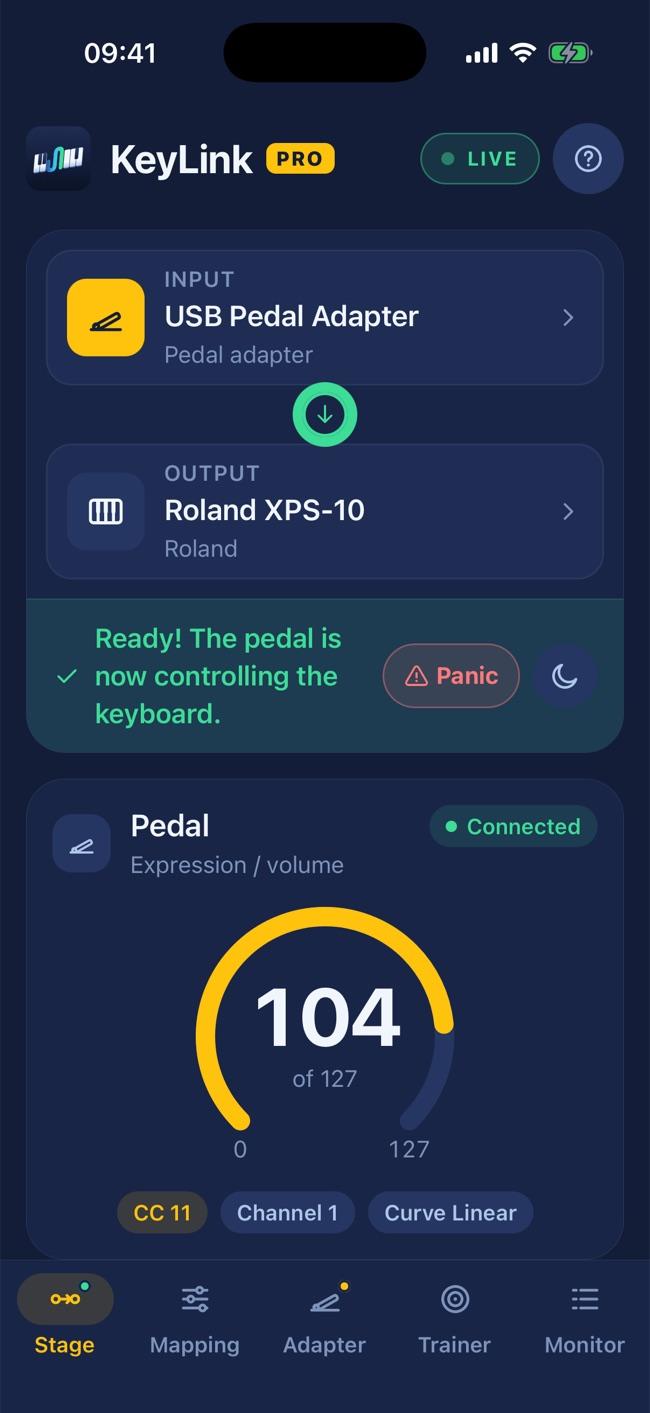
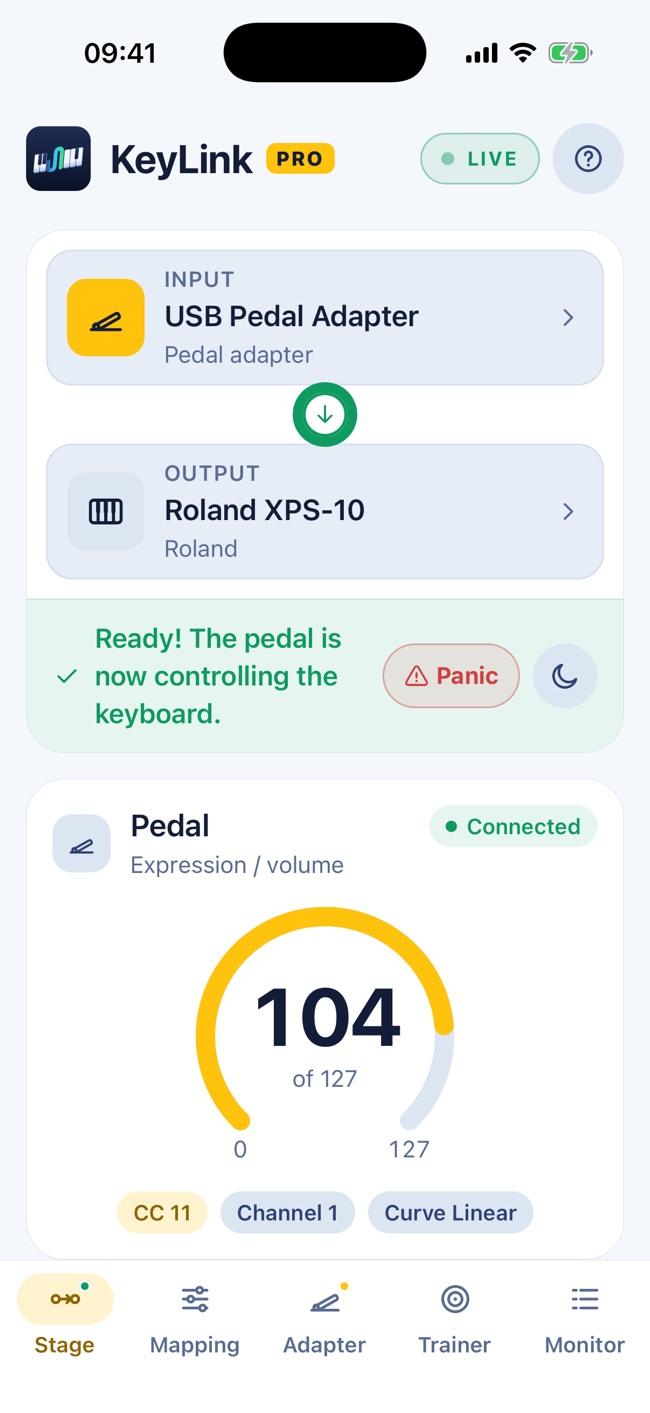
On both, the PEDAL input takes one pedal at a time — you choose whether it’s sustain (hold) or expression. To play strings and organ with expression and still hold your piano notes, you’re one pedal short.
Keep sustain on the keyboard’s input and use the expression pedal (CC 11) through your phone.
Adjust the master volume (CC 7) without taking your hands off the keys.
USB or Bluetooth footswitches and controllers go straight to the keyboard: notes, controllers and program changes.
The XPS-10 receives MIDI through its USB COMPUTER port; the XPS-10X, through its USB-C port. How it responds to each controller depends on the selected sound — try the free version before buying Pro.
Download it free and try it with your own gear.
See also: Casio Privia · FAQ
Casio, Privia, Roland, XPS-10 and XPS-10X are trademarks of their respective owners, mentioned only to indicate compatibility. KeyLink is not affiliated with these companies.